
Add a flight. Vrolu does the reading.
One flight in, and the rest is on your phone in one glance: where the plane is, why it's late, the gate, and when everyone lands.

 Coming later this month
-
Step 1
Add your flight.
Type the flight number, search a route, or let Vrolu find it in your calendar. Your first flight includes every Pro feature, on us.
-
Step 2
It does the reading.
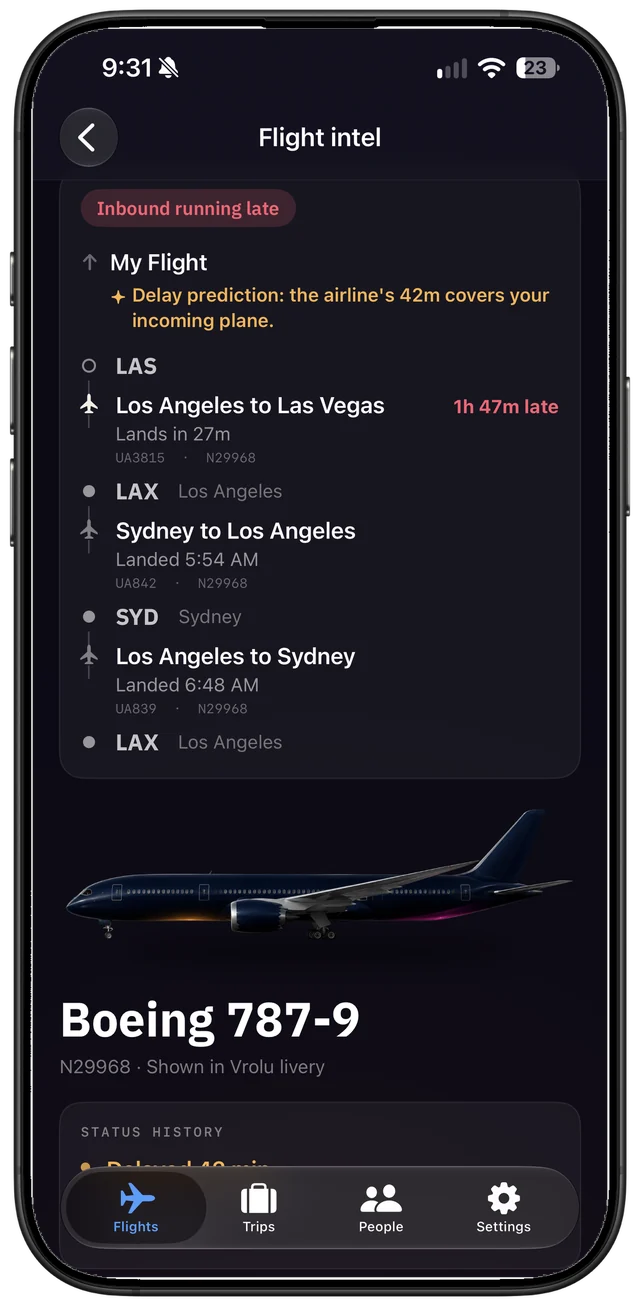
Vrolu follows the plane that becomes your flight through its whole day, and puts the reason it's late in one sentence: the inbound aircraft, the FAA, the weather at either end.
-
Step 3
It lives on your Lock Screen.
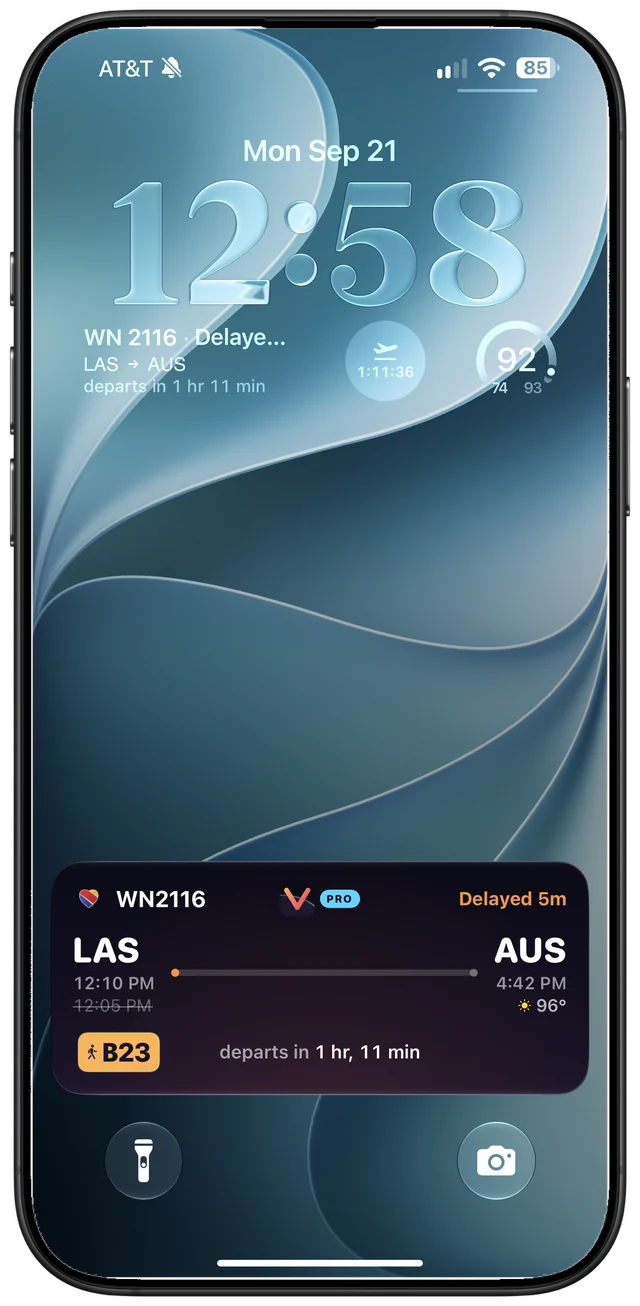
From pushback to the gate: the gate, the delay, the weather and a countdown, plus an alert the moment a delay or gate change is filed.
-
Step 4
Bring your people.
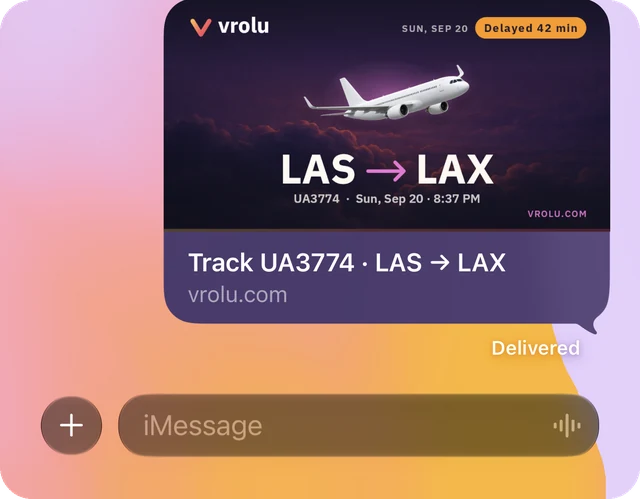
Send your flight in a text, and whoever's picking you up watches it land in any browser. Flying in together? A trip puts everyone's flights on one board, with the plan and where you're staying.
Everyone in sync.
Free to track any flight. Vrolu Pro is $39.99 a year or $4.99 a week.
Coming later this month